
Table of Contents
ToggleWhy Website Traffic Does Not Generate Enquiries?
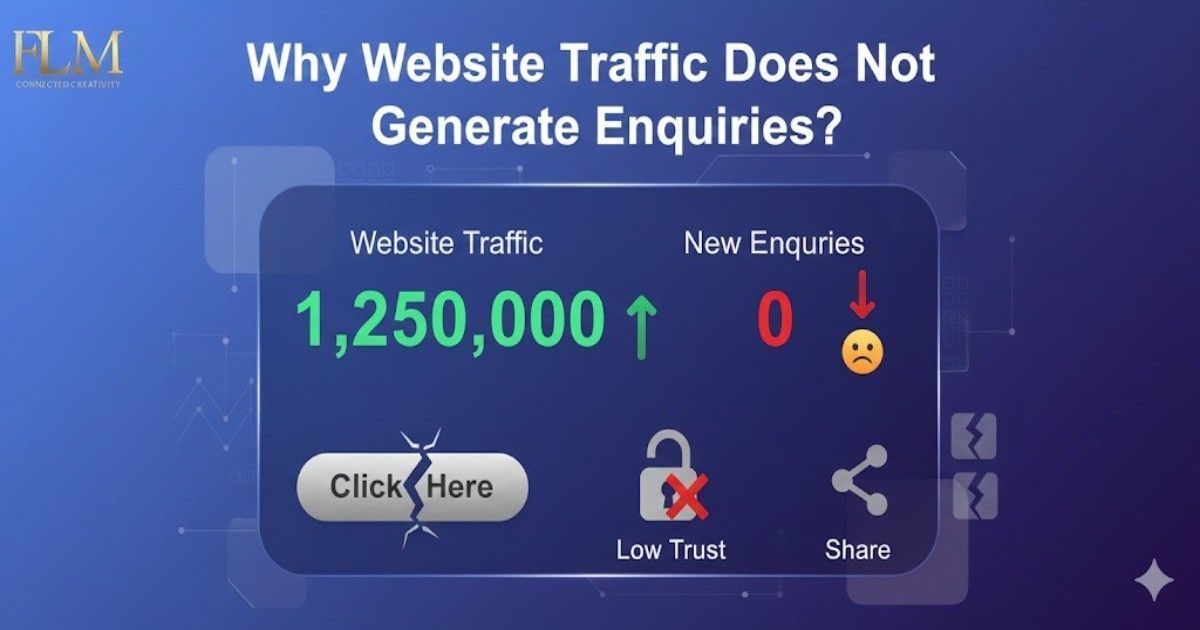
Why Website Traffic Does Not Generate Enquiries?: I’ve worked with dozens of local businesses—especially real estate consultants, builders, and service-based brands—and I’ll say this bluntly: High traffic with zero inquiries is not a traffic problem. It’s a trust, intent, and clarity problem.
Many business owners proudly show Google Analytics screenshots with rising visitor numbers, yet their phone stays silent and inbox empty. If that sounds familiar, your website isn’t broken—but it is misaligned with how real buyers think and decide.
Let’s break down why website traffic often fails to generate enquiries, and more importantly, what actually fixes it.
Traffic Alone Doesn’t Mean Buyer Intent
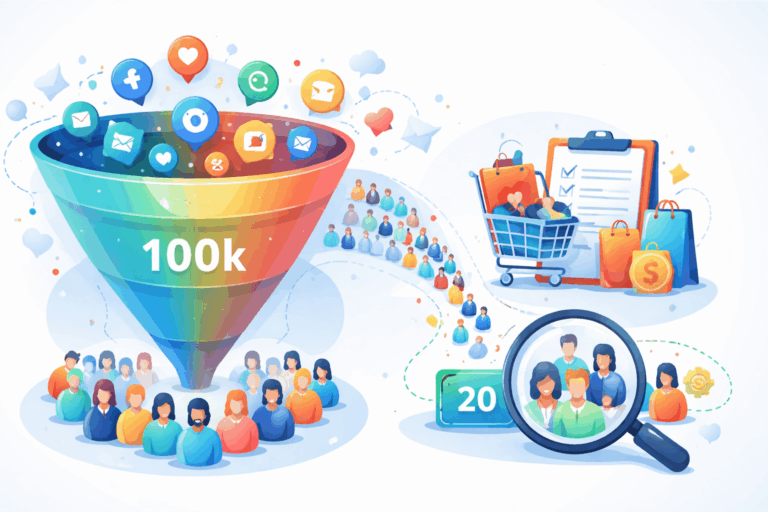
One of the biggest myths in digital marketing is: “More visitors = more leads”
In reality, I’ve seen websites with 500 monthly visitors generate more enquiries than sites getting 20,000 random visits.
Why? Because traffic without intent is just noise.
Real Buyer Problem
Most websites attract:
- Students doing research
- People comparing prices casually
- Visitors not ready to decide
- Wrong locations or budgets
What Works Instead
You must attract problem-aware, decision-ready visitors.
Action Steps
- Map keywords to buyer intent:
- “2 BHK flat price in Ahmedabad West” (high intent)
- “What is real estate investment?” (low intent)
- “2 BHK flat price in Ahmedabad West” (high intent)
- Build pages for specific needs, not generic topics
- Filter traffic using location, pricing, and use-case clarity
Weak or Confusing Calls-to-Action Kill Conversions
Most websites either:
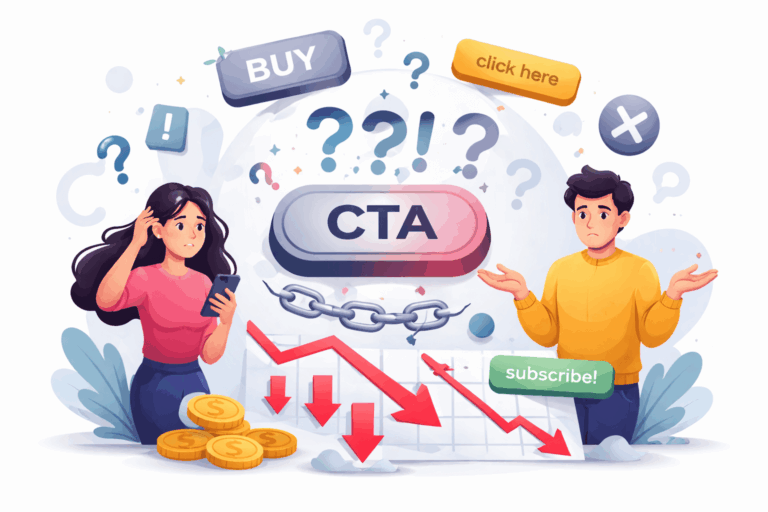
- Have no CTAs
- Or use generic ones like “Submit” or “Contact Us”
A buyer doesn’t want to “contact” you. They want a specific outcome.
High-Converting CTA Principles
Outcome-Driven
An outcome-driven CTA tells the visitor exactly what they will get after clicking, not what action they’re taking. Instead of vague words like “Submit” or “Contact,” it focuses on the result the buyer wants. This reduces hesitation because users understand the value immediately. When people see a clear benefit, they are more likely to act. Outcome clarity increases both clicks and trust.
Outcome-Driven
Low-commitment CTAs remove fear and pressure from the buyer’s mind. They assure visitors that they are not locked into a purchase or a sales call. Phrases like “Free,” “No obligation,” or “No spam” lower resistance. This is especially important for first-time visitors who are still evaluating options. The easier it feels, the higher the enquiry rate.
Contextual to the Page
A contextual CTA matches the content the visitor is currently viewing. Instead of using the same CTA everywhere, it aligns with the page’s intent and stage of the buyer journey. For example, a pricing page should offer cost details, not a generic contact form. Relevant CTAs feel natural and helpful, not salesy. This relevance significantly improves conversions.
CTA Examples That Work
- “Check Availability for This Property”
- “Get Floor Plan & Price Sheet”
- “Speak to a Local Property Expert”
- “Book a Free Consultation (No Spam)”
Step-by-Step CTA Placement
- One CTA above the fold
- One mid-page after key benefits
- One near testimonials
- One at the end
Mobile Experience Is Quietly Destroying Your Leads
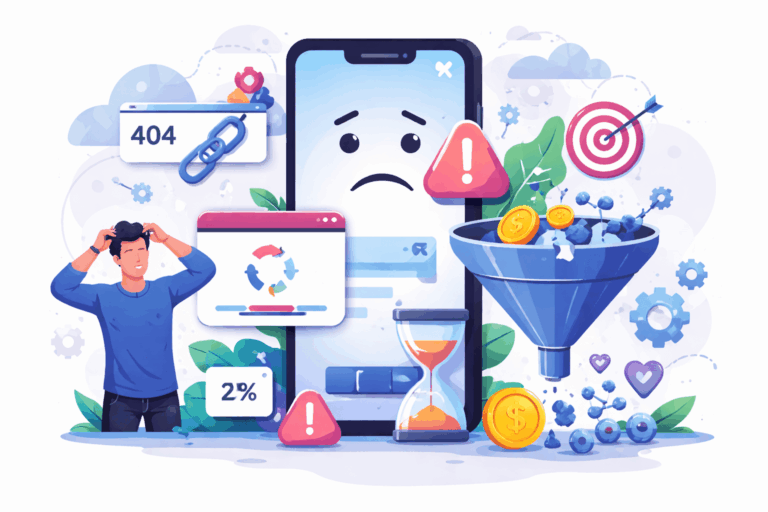
Over 70% of local service traffic is mobile. Yet many websites are technically responsive but practically unusable.
Real Issues I’ve Seen
- Forms impossible to fill on mobile
- WhatsApp buttons hidden
- Slow loading images
- Tiny text and cluttered layouts
How to Fix It
- Design mobile-first, not desktop-first
- Use:
- Click-to-call buttons
- WhatsApp chat with pre-filled message
- Short forms (name + phone is enough)
If a visitor can’t contact you within 10 seconds on mobile, they will leave.
Read More:- How To Turn Online Visibility Into Real Sales?
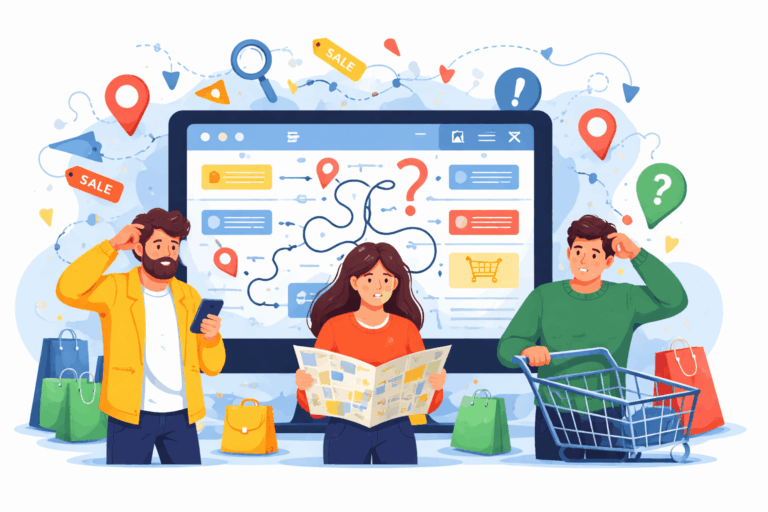
Poor Navigation Confuses Buyers Instead of Guiding Them
Common Navigation Mistakes
Too Many Menu Items
When a website menu has too many options, visitors feel overwhelmed and unsure where to click. Instead of exploring, they hesitate or leave the site altogether. Buyers want quick access to what matters most, not a long list of choices. A cluttered menu increases cognitive load and reduces decision-making speed. Fewer, well-organized items lead to higher engagement and enquiries.
Technical Jargon
Using technical or industry-heavy language confuses non-expert visitors. Most buyers don’t search or think in professional terms—they use simple, problem-based language. When users don’t understand menu labels, they lose trust and exit the site. Clear, plain language makes navigation effortless and keeps visitors engaged. Simplicity always converts better than sophistication.
No Clear “Services” or “Properties” Structure
If visitors can’t instantly find your services or property listings, they assume the site isn’t meant for them. A missing or unclear structure forces users to hunt for information, which leads to frustration. Buyers expect logically grouped categories that match their intent. Clear structure helps users move smoothly toward a decision. Better structure directly improves lead generation.
What Works in Practice
- Limit main menu to 5–6 items
- Use plain language:
- “Buy”
- “Rent”
- “Projects”
- “About”
- “Contact”
Add internal links guiding users to decision pages
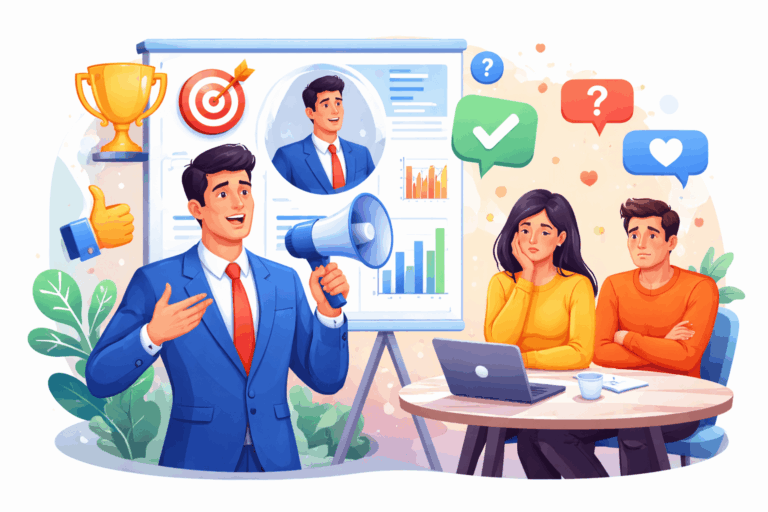
Content Talks About You, Not the Buyer
This is where most websites fail hardest. They say:
- “We are a leading company…”
- “We offer best-in-class services…”
Buyers don’t care. They care about:
- Their budget
- Their risk
- Their confusion
- Their timeline
Content That Converts
Addresses Real Buyer Fears
High-converting content speaks directly to what buyers are worried about, not what the business wants to promote. Fear of hidden costs, wrong decisions, or wasted time stops people from enquiring. When content openly acknowledges these concerns, it builds immediate trust. Buyers feel understood rather than sold to. This emotional alignment increases engagement and enquiry rates.
Explains the Process Transparently
Buyers hesitate when they don’t know what happens after they enquire. Transparent content clearly explains each step, from first contact to final outcome. This removes uncertainty and reduces anxiety around commitment. When users know what to expect, they feel more in control. Clarity in process leads to faster and more confident decisions.
Sets Expectations Honestly
Overpromising may attract clicks, but it kills trust and long-term conversions. Honest content clearly states what you can and cannot do for the buyer. It filters out the wrong audience and attracts serious prospects. Clear expectations prevent misunderstandings later in the sales process. Trust built upfront results in higher-quality enquiries.
Example (Real Estate Buyer Pain)
- “I’m scared of hidden charges.”
- “I don’t know if the builder is trustworthy.”
- “I don’t want sales pressure.”
Your content must say these things out loud and solve them.
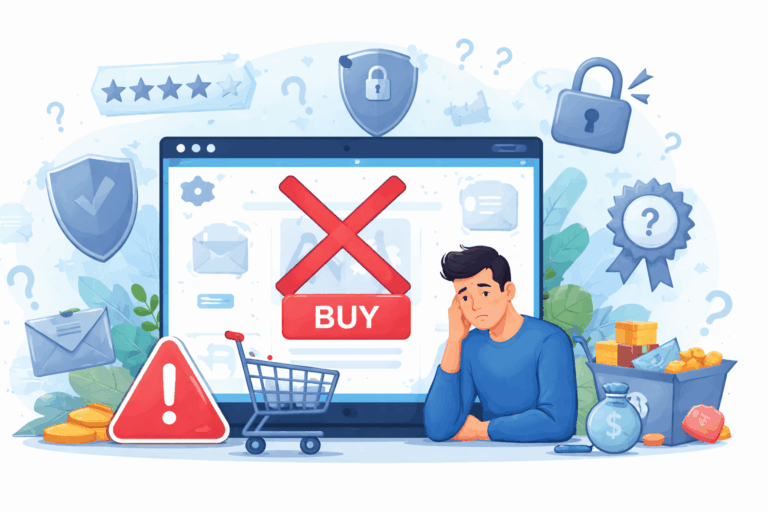
Missing Trust Signals Are Silent Conversion Killers
No matter how good your offer is, people won’t enquire if they don’t trust you.
Trust Signals That Actually Work
Real Client Testimonials (With Names & Photos)
Testimonials with real names and photos feel authentic and believable. Buyers trust people more than brands, especially when they can see who shared the experience. Anonymous or generic testimonials raise doubts and reduce credibility. Real proof reassures visitors that others like them have made the same decision. This significantly increases confidence and enquiries.
Google Reviews Embedded
Embedding Google reviews adds third-party validation that you don’t control. Buyers trust Google reviews more than website claims because they feel unbiased. Seeing recent, positive feedback reduces hesitation at the decision stage. It also reinforces local credibility. This trust signal often influences enquiries more than design or copy.
Case Studies With Outcomes
Case studies show real results, not promises. They help buyers visualize what success looks like after choosing you. By sharing the problem, solution, and outcome, you prove expertise through action. This builds authority and sets realistic expectations. Strong case studies attract serious, high-intent enquiries.
Local Office Address & Photos
Displaying a real office address and photos proves that your business actually exists. Local buyers feel safer dealing with a visible, physical presence. It reduces fear of scams or fly-by-night operators. Photos of your team or workspace humanize your brand. Local trust leads to faster decisions.
Certifications or Partnerships
Certifications and partnerships act as credibility shortcuts for new visitors. They signal professionalism, compliance, and industry recognition. Buyers may not fully understand the certificate, but they trust the authority behind it. This reassurance reduces risk perception. It strengthens trust during the comparison stage.
Clear Privacy & No-Spam Assurance
Visitors hesitate to fill forms if they fear spam or misuse of data. A clear privacy statement reassures them their information is safe. Simple promises like “No spam. No sales pressure.” reduce friction instantly. This transparency increases form submissions. Trust grows when buyers feel respected.
Mini Case Example
One local consultant I worked with added:
- 6 Google reviews
- 3 real client stories
- A “No Broker Fees” disclaimer
Result:
Enquiries increased by 47% without increasing traffic.
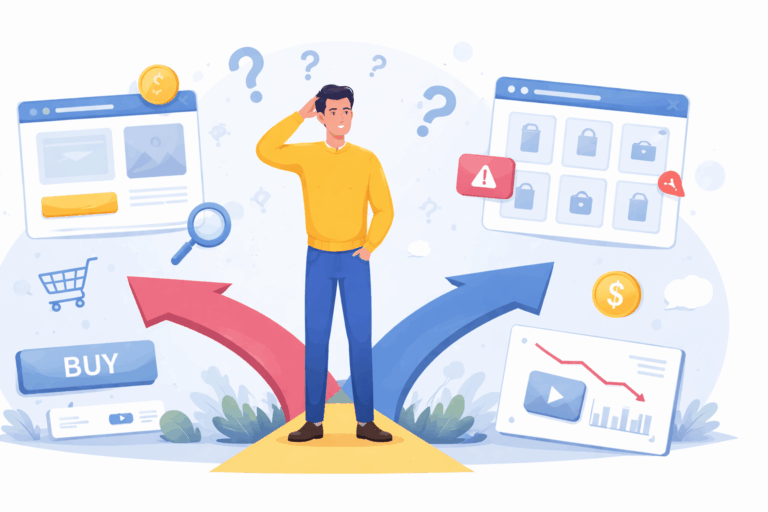
You’re Not Guiding Visitors Toward a Decision
Most websites stop at “information”. High-converting websites guide decisions.
Decision-Focused Additions
Comparison Tables (Options A vs B)
Comparison tables help buyers evaluate choices quickly without confusion. They simplify complex decisions by showing differences in price, features, risks, and suitability. This reduces mental effort and speeds up decision-making. Buyers feel guided rather than overwhelmed. Well-structured comparisons often push users toward the most suitable option.
FAQs Answering Buying Objections
FAQs work best when they address real objections, not generic questions. Buyers often hesitate due to doubts about cost, timelines, risks, or commitments. Clear, honest answers reduce uncertainty and build trust. This prevents drop-offs at the decision stage. Strong FAQs act like a silent sales assistant on your website.
“Who This Is For / Not For” Sections
This section helps visitors self-qualify quickly. It reassures the right audience while filtering out the wrong ones. Buyers appreciate honesty about fit and limitations. This clarity reduces irrelevant enquiries and increases lead quality. Serious prospects move forward with more confidence.
Clear Next Steps After Each Page
Visitors should never wonder what to do next. Clear next steps guide users smoothly through the buyer journey. Whether it’s booking a call, checking availability, or downloading details, direction reduces hesitation. This keeps momentum high. Guided journeys convert far better than passive pages.
Conclusion:
Traffic doesn’t fail. Websites fail to convert traffic.
From my experience, enquiry generation improves when:
- Traffic matches intent
- Messaging matches buyer psychology
- Design reduces friction
- Content builds trust
- CTAs guide action
Fix these, and conversions follow—without chasing more traffic.
Why Website Traffic Does Not Generate Enquiries? : FAQs
Website traffic doesn’t generate enquiries when visitors lack buying intent, trust, or clear direction. Poor messaging, weak CTAs, and low credibility stop users from taking action.
No, high traffic alone doesn’t guarantee leads. Only targeted, intent-driven traffic combined with strong conversion elements results in enquiries.
The main reason is uncertainty—users don’t trust the brand or don’t know what to do next. Missing trust signals and unclear next steps cause drop-offs.
You can convert visitors by improving clarity, adding strong CTAs, addressing buyer fears, and simplifying the enquiry process—especially on mobile.
Yes, poor design affects navigation, usability, and trust. A confusing layout or slow mobile experience directly reduces enquiry generation.
reference
About the Author