
Table of Contents
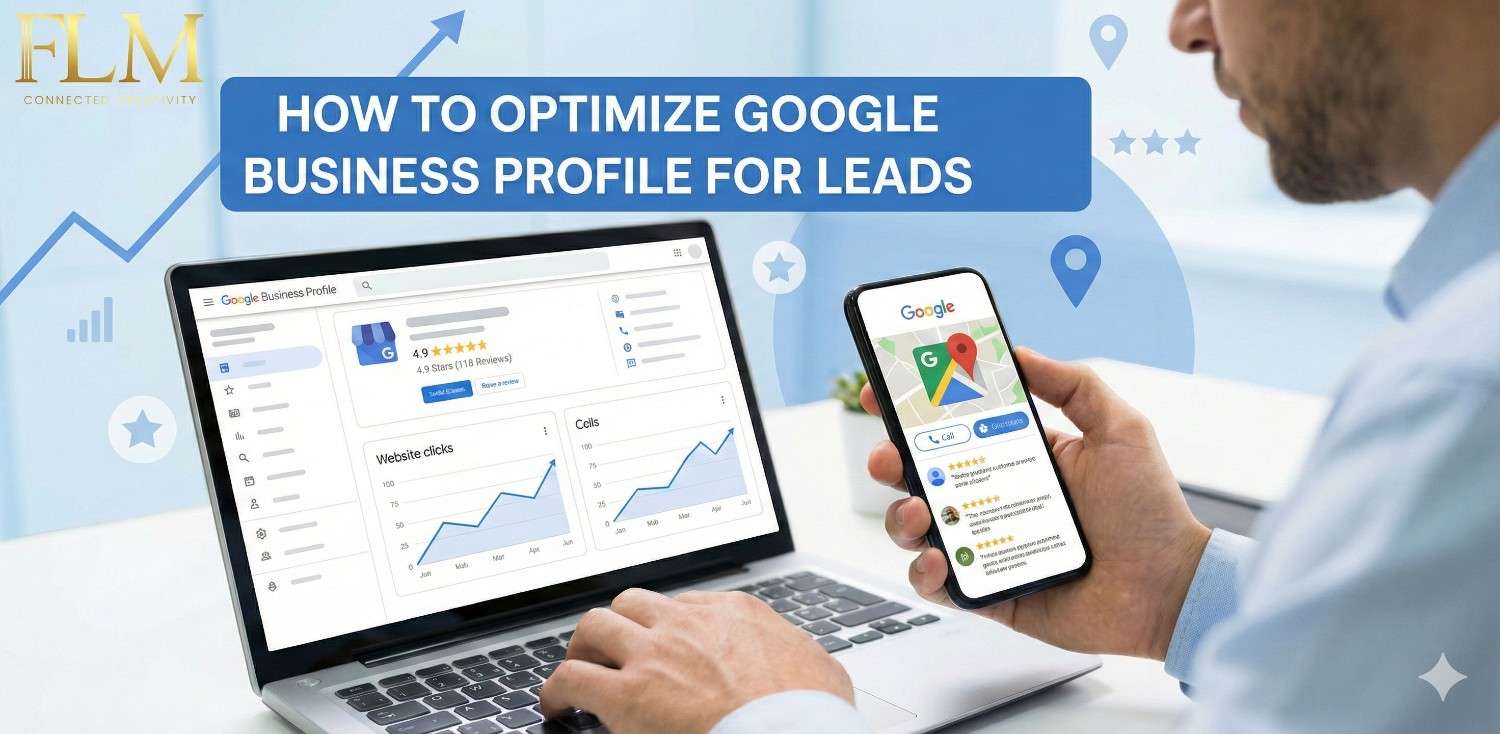
ToggleHow To Optimize Google Business Profile For Leads
If you depend on local customers — whether you’re a real estate broker, builder, clinic owner, contractor, or service-based business — your Google Business Profile (GBP) is not just a listing.
It is your most powerful free sales asset. In my experience working with local businesses and property consultants, I’ve seen one clear pattern:
Businesses don’t lose leads because they don’t appear on Google. They lose leads because their Google Business Profile doesn’t build confidence fast enough. Ranking is only half the job. Conversion happens inside the profile itself.
This guide goes beyond basic setup. It shows how to turn your Google Business Profile into a lead machine, not just a digital visiting card.

First, Understand How People Actually Use Google Business Profiles
Most local buyers:
- Search on mobile
- Compare 2–4 businesses
- Decide within 30–90 seconds
- Call or message the one that feels most reliable
They are not reading everything. They are scanning for signals of trust.
Step 1: Claim & Verify — But Do It the Right Way
Real Issue I See Often
Many businesses rush verification with:
- Wrong business name
- Temporary address
- Personal phone numbers
Best Practice
- Use your official business name only (no keywords)
- Use a real, serviceable address
- Use a phone number that will stay active long-term
- Verify using postcard or video if available (more stable)
Step 2: NAP Consistency Is About Credibility, Not Just SEO
When buyers see:
- Different names on Google
- Different phone numbers on Justdial, website, and Maps
What I Recommend
- Decide one official format for your business name
- Match it across:
- Website
- Google Business Profile
- Social profiles
- Property portals / directories
Use the same phone number everywhere (preferably with call tracking later)
Step 3: Categories Decide Whether You Get the Right Leads
How Google Uses Categories
Categories tell Google:
What Searches You Should Appear For
This section defines the exact keywords and queries your ideal customers use when they are actively looking for your services. It helps search engines understand your relevance while ensuring your content matches real-world search behavior, not just high-volume terms.
What Type of Customer Intent You Serve
This explains whether your content helps users who are researching, comparing options, or ready to take action. By aligning your pages with search intent (informational, commercial, or transactional), you attract visitors who are more likely to trust you and convert.
Real Example
- A broker used:
“Real Estate Agent”
- We changed it to:
“Real Estate Consultant” (primary)
“Commercial Property Agent” (secondary)
Result:
- Fewer calls
- But far more serious buyers
- Higher closing ratio
Practical Tip
- Choose the closest category to how customers describe you
- Add secondary categories only if you actively sell that service
- Never add categories just for reach
Step 4: Write a Business Description That Sells Without Selling
Your description doesn’t rank you directly — but it qualifies buyers.
Most descriptions are:
Generic
Content that’s too broad or vague fails to connect with real users, leaving them unsure why your brand matters.
Full of Buzzwords
Overloading posts with trendy terms without context confuses readers and erodes trust, making your brand seem inauthentic.
Zero Proof
Claims without evidence—like stats, case studies, or certifications—undermine credibility and reduce confidence from both buyers and search engines.
What Actually Works
Write it like you’re answering:
Why should I contact you instead of the others?
We combine proven results, hands-on experience, and a deep understanding of local market needs to deliver solutions that actually work. Unlike others, we back every claim with evidence—case studies, client results, and expert insights—so you can trust your investment will drive real impact.
Simple Structure That Converts
- What you do (clearly)
- Who you serve (location + type of buyer)
- What problem you solve
- One credibility signal (experience, results, specialization)
Example
- Instead of:
“We provide the best property solutions”
- Use
“We help homebuyers and investors in [Area] find verified residential and commercial properties with clear pricing, legal transparency, and end-to-end support.”
Step 5: Photos & Videos Are Your Silent Sales Team
Google data and real-world testing both confirm this:
Profiles with strong visuals get more calls. But quality matters more than quantity.
Upload These First
- Office exterior (helps Maps trust)
- Interior workspace
- Team photos (even mobile photos are fine)
- Work samples / site visits / property walkthroughs
- Short vertical videos (15–30 seconds)
Real Insight
For real estate and service businesses:
- Property videos
- Site visit clips
- “Explaining location advantages”
Step 6: Business Hours & Availability = Missed or Closed Leads
Outdated hours create one silent problem:
If Google shows “Closed” when you’re available — many buyers won’t try again.
Best Practice
- Update regular hours accurately
- Use “Special Hours” for:
- Holidays
- Site visits
- Weekend availability
Read More: How To Run Profitable Google Ads Campaigns

Turn Messaging On — But Only If You Can Respond Fast
Messaging is powerful — but dangerous if misused.
From Experience
Profiles with slow replies:
Lose Ranking
When your content doesn’t match search intent or lacks clear expertise, search engines struggle to trust and rank your pages—causing visibility to drop over time.
Lose Buyer Confidence
If your messaging is unclear, outdated, or unsupported by proof, potential customers hesitate to trust your brand, even if your offer is strong.
Get Ignored by Repeat Searchers
When users return to search because your page didn’t fully help them the first time, search engines interpret this as dissatisfaction and reduce future exposure.
If You Enable Messaging:
- Set an instant welcome reply
- Respond within 5–10 minutes during working hours
- Use short, clear responses
- Ask one qualifying question early
Read More: 7 Common Google Ads Mistakes and Fixes That Can Instantly Improve Your ROI
Google Posts Are Mini-Ads
Posts don’t last long — but they influence decisions.
What Works Best
Just Sold / Just Completed” Updates
Sharing recent wins proves real-world experience and results, helping buyers trust your expertise while signaling freshness and authority to search engines.
New Listings or Services
Posting new offerings keeps your content current and relevant, attracting users who are actively searching for the latest options in your market.
FAQs Answered in Post Format
Clear, helpful answers address real customer concerns, reduce uncertainty, and position your brand as a knowledgeable and reliable resource.
Local Updates
Location-specific insights demonstrate on-ground expertise, helping local buyers make informed decisions while strengthening local SEO relevance.
Conclusion
Google Business Profile optimization isn’t just about ticking boxes—it’s about building trust with potential buyers. By reducing hesitation, showcasing proof quickly, and making the next step obvious, a well-optimized GBP acts like your top-performing salesperson, working 24/7 to attract, inform, and convert customers.
I can also create an even snappier version for homepage banners or social posts if you want it punchy and scroll-stopping.
Google Business Profile Optimization:- FAQs
Q1. How long does GBP optimization take to show results?
Q2. Can I rank without reviews?
Q3. Should I use keywords in business names?
Q4. Is GBP enough without a website?
Q5. How often should I post updates?
References
About the Author