
Table of Contents
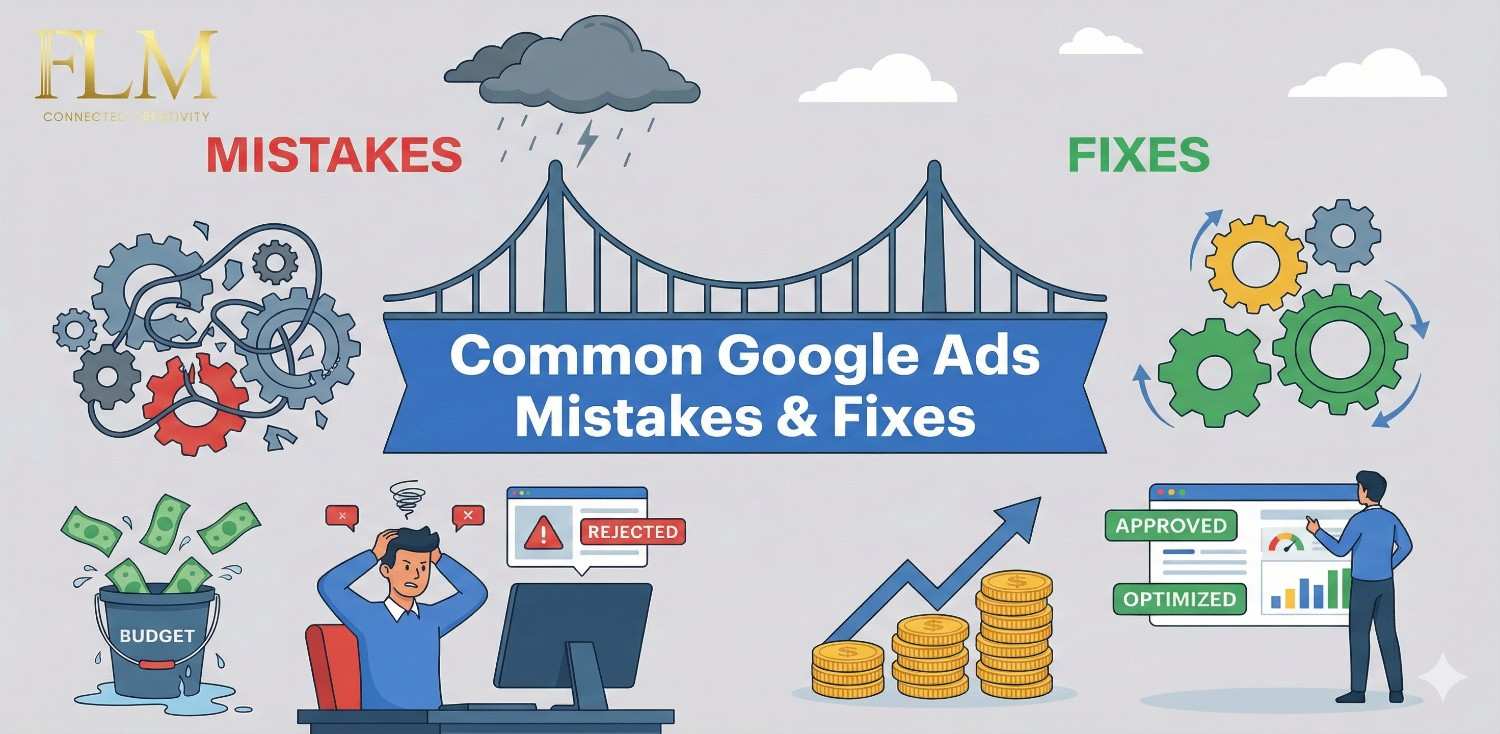
Toggle7 Common Google Ads Mistakes and Fixes That Can Instantly Improve Your ROI
Most businesses don’t lose money on Google Ads because the platform doesn’t work.
They lose money because of avoidable decisions made during setup, tracking, and optimization.
I’ve audited Google Ads accounts for local service businesses, real estate projects, ecommerce brands, and B2B companies that were spending anywhere from ₹30,000 a month to several lakhs — and the patterns are shockingly consistent.
This article isn’t theory.
It’s a practical breakdown of the most common Google Ads mistakes that kill ROI, why they happen, and exactly what to do instead.
If you’re a business owner, marketing manager, or agency running ads and thinking:
- “Leads are coming, but quality is bad”
- “Costs keep increasing, conversions don’t”
- “We’re spending but can’t confidently scale”
This guide is for you.
Mistake 1: Running Google Ads Without a Clear Business Goal
The real problem
Most advertisers say their goal is “more leads” or “more sales.” That’s not a goal — that’s a wish.
In real audits, I often see:
No defined target CPA
Without a target CPA, ad spend becomes guesswork instead of strategy. You can’t scale confidently or know when performance is profitable or harmful.
No revenue benchmark per lead
When you don’t know how much a lead is worth, you risk overpaying for traffic. Revenue benchmarks help align ad costs with real business returns.
No clarity on what good performance actually means
Lack of performance clarity leads to random optimizations and wasted budget. Clear success metrics guide smarter decisions and consistent ROI growth.
Without this, optimization becomes random button-clicking.
What to do instead
1. Start with business math, not ad metrics
Average deal value
The average revenue earned from a single closed sale or transaction. This helps determine how much you can afford to spend to acquire a customer.
Close rate
The percentage of leads that turn into paying customers. A low close rate means even cheap leads can become unprofitable.
Gross margin
The profit remaining after direct costs are removed from revenue. Gross margin defines the true limit of what you can spend on marketing and still stay profitable.
Define your maximum acceptable cost per lead or sale
This is the highest amount you can spend to acquire a lead or customer while remaining profitable. It’s calculated using your deal value, close rate, and gross margin.
Set KPIs in this order:
Primary: Cost per qualified lead / sale
This metric shows whether your ads are generating profitable business outcomes. If this number is healthy, most other metrics become secondary.
Secondary: Conversion rate, impression share
Conversion rate indicates landing page and intent quality, while impression share shows growth potential. These help you optimize efficiency and scaling.
Tertiary: CTR, CPC
CTR and CPC measure ad engagement and cost efficiency. They’re diagnostic metrics, not success metrics, and should never drive decsions alone.
Real example:
A real estate developer wanted “more inquiries.” After analysis, we discovered anything above ₹1,200 per site-visit lead was unprofitable. Once that number became the KPI, decisions became clear — and ROI followed.
Mistake 2: Optimizing Based on Assumptions, Not Evidence
The real problem
I think this keyword is expensive
A keyword is only expensive if it fails to produce profitable leads or sales. Cost must always be judged against conversion value, not CPC alone.
This ad doesn’t feel righ
Ad decisions based on feeling often ignore user intent and performance data. Ads should be evaluated using CTR, conversion rate, and lead quality—not opinions.
Performance Max should handle this automatically
Automation works only when fed clean data and clear signals. Without proper tracking and structure, Performance Max can amplify inefficiencies instead of fixing them.
Assumptions feel productive — but they quietly destroy performance.
Read More: Seo vs Google ads for small business in Ahmedabad

What to do instead
Before any optimization, ask:
What data supports this change?
Every optimization should be based on real performance metrics, not assumptions. Use conversion, CTR, and revenue data to justify decisions.
Over what time frame?
Changes need sufficient data to be reliable. Analyze performance over a period that captures normal fluctuations, like 2–4 weeks or 30–50 conversions.
Against what benchmark?
Compare results to relevant KPIs, historical performance, or industry standards. Benchmarks ensure you’re improving meaningful metrics, not chasing vanity numbers.
Practical checklist
Search term intent
Analyzing intent shows whether users are ready to buy or just researching. Filtering low-intent searches helps reduce wasted spend and improve lead quality.
Device
Performance often varies between mobile, desktop, and tablet users. Device-level data helps adjust bids and landing pages for higher conversion efficiency.
Location
Not all locations generate equal-quality leads. Reviewing matched locations ensures your budget is spent only where real customers can convert.
Time of day
User intent and conversion rates change throughout the day. Time-based analysis helps shift budget toward hours that generate the best ROI.
Personal insight:
I’ve seen campaigns recover simply by undoing changes that were made too early without data maturity.
Mistake 3: Poor or Misleading Conversion Tracking
The real problem
Counting page views as conversions
Page views don’t indicate intent or business value. Treating them as conversions misleads Google’s algorithm and inflates performance reports.
Tracking button clicks instead of confirmed leads
Button clicks don’t guarantee user action or contact. This creates false positives and trains campaigns to optimize for empty interactions.
Mixing low-intent and high-intent actions
Combining actions like scrolls with form submissions distorts conversion data. High-intent actions should always be tracked separately for accurate optimization.
What to do instead
Track only meaningful actions:
Form submissions
Form submissions indicate clear user intent and willingness to share contact details. They should be tracked as primary conversions in Google Ads.
Calls longer than X seconds
Longer calls usually signal genuine interest rather than accidental dials. Setting a minimum call duration filters out low-quality interactions.
WhatsApp chats that start
A started WhatsApp chat shows active engagement and buying intent. Tracking this helps optimize campaigns for real conversations, not just clicks.
Separate:
Primary conversions (sales/leads)
Primary conversions represent real business outcomes that generate revenue. Google Ads should be optimized mainly around these actions.
Secondary signals (scroll, view, click)
Secondary signals indicate user engagement but not buying intent. They should be used for analysis and optimization—not as success metrics.
Test conversions manually every month
Case example:
A local service business reduced CPL by 38% just by removing fake conversions and retraining campaigns for real leads.
Mistake 4: Using the Wrong Campaign Type for the Funnel Stage
The real problem
High spend on low-intent traffic
Ads show for users who are not ready to buy, leading to wasted budget. This usually happens due to broad targeting and poor keyword intent control.
Weak remarketing control
Without dedicated remarketing campaigns, you lose control over audience messaging and budgets. High-intent return users are often under-served or overpaid for.
Poor message matching
When ad copy and landing pages don’t match user intent, conversion rates drop. Clear message alignment improves relevance, trust, and ROI.
What to do instead
- Search → High-intent demand capture
- Display / Video → Awareness & recall
- Dedicated remarketing → Conversions & nurturing
Avoid treating Performance Max as a “magic box.” Use it after strong foundations exist.
Mistake 5: Keyword and Search Term Mismanagement
The real problem
Broad keywords without controls
Broad keywords can trigger ads for irrelevant searches if not monitored closely. Without regular search term reviews, costs rise and lead quality drops.
Branded terms mixed with non-branded
Combining branded and non-branded keywords hides true performance data. This makes it difficult to measure real demand capture and scaling potential.
No negative keyword discipline
Without consistent negative keyword additions, wasted spend increases over time. Negative keywords are essential to protect budget and improve lead quality.
This inflates costs and hides true performance.
Fix it properly
Brand vs non-brand
Brand keywords capture users already familiar with your business, while non-brand keywords target new demand. Separating them ensures accurate performance tracking and budget control.
High intent vs research intent
High-intent searches signal readiness to buy, while research intent indicates early-stage exploration. Treating them separately helps prioritize spend and improve conversion efficiency.
Review search terms weekly
Regularly reviewing search terms identifies irrelevant traffic and emerging trends. Weekly checks prevent wasted spend and maintain high-quality leads.
Add negatives aggressively — especially:
Jobs
People searching for jobs aren’t potential customers. Adding “jobs” as a negative keyword prevents wasted clicks from irrelevant traffic.
Free
Users looking for free products or services rarely convert. Excluding “free” ensures your ads target serious buyers.
Price-only searches (if not aligned)
Searches focused solely on price may attract bargain hunters outside your target. Use negatives for these terms unless they match your sales strategy.
Real-world insight:
One audit revealed 22% of spend going to irrelevant searches — fixed in one week.
Mistake 6: Ignoring Location and Audience Reality
The real problem
Many advertisers target a city — but pay for traffic outside it.
This usually happens because:
- “Presence or interest” is left on
- No matched location review
Mistake 7: No Routine, No Audits, No Accountability
The real problem
Weekly checks
Quick weekly reviews of spend, search terms, and anomalies keep campaigns healthy and prevent small issues from growing.
Monthly analysis
A deeper monthly review of performance metrics and conversion quality helps identify trends, adjust bids, and optimize campaigns strategically.
Quarterly audits
Comprehensive quarterly audits uncover blind spots, inefficiencies, and growth opportunities that regular monitoring might miss.
Simple optimization framework
- Daily: Spend & anomaly checks
- Weekly: Search terms, bids, CTR
- Monthly: Conversion quality review
- Quarterly: Full account audit
Mistakes Most Competitors Don’t Talk About
- Scaling budget before fixing conversion rate
- Blindly trusting smart bidding without data volume
- Copying competitor ads instead of solving buyer objections
- Not aligning landing pages with ad intent
Conclusion:
Google Ads doesn’t reward hacks. It rewards clarity, data discipline, and consistency.
If your account isn’t performing, don’t assume you need:
- A bigger budget
- New features
- Another agency
Most of the time, you need fewer mistakes and better decisions.
If you want help auditing or restructuring your Google Ads account, focus on fixing these fundamentals first — the ROI usually follows faster than expected.
Common Google Ads Mistakes and Fixes - FAQs
Most campaigns fail due to poor tracking, wrong keyword intent, and unclear goals. Higher spend only increases losses if the system isn’t fixed first.
Optimizing for clicks instead of qualified leads is the biggest mistake. This attracts low-intent traffic and inflates costs without real ROI.
Review search terms, add negative keywords, fix location targeting, and track real conversions only. These steps usually reduce waste within 1–2 weeks.
Performance Max works only with clean tracking and enough conversion data. Without proper setup, it often hides inefficiencies instead of improving ROI.
Basic checks should be done weekly and optimizations monthly. A full audit every quarter helps prevent performance decline and scaling mistakes.
References
About the Author