

Table of Contents
ToggleMobile App Development: A Practical, Decision-Focused Guide for Business Owners
Mobile App Development: Mobile app development isn’t about choosing the “latest framework” or copying what big brands do. It’s about solving a real business problem with software that people actually use.
I’ve worked with startups, local businesses, and service-based companies who came to me after wasting money on apps that looked good but failed in the real world. This guide exists to help you avoid those mistakes and make smart, ROI-driven decisions.
If you’re planning a mobile app—this is what you need to know before writing a single line of code.
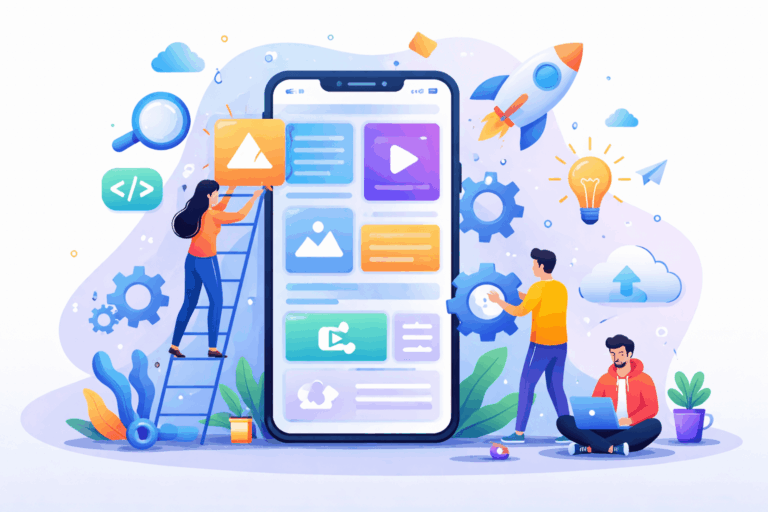
What Mobile App Development Really Means
At its core, mobile app development is the process of designing, building, launching, and maintaining software that runs on smartphones and tablets.
But in real life, it’s actually three things happening together:
- User experience design (how people interact with the app)
- Mobile software engineering (how the app works)
- Backend systems (how data, logic, and integrations run behind the scenes)

The Two Mobile Platforms That Matter
iOS (Apple)
- Higher average revenue per user
- Strong security standards
- Fewer device variations = easier testing
- Best for premium services, finance, real estate, healthcare
Android (Google)
- Massive global user base
- More device diversity (testing cost increases)
- Strong integration with Google services
- Ideal for mass-market and emerging economies
Real-world advice:
If your audience is location-based or premium (like real estate buyers, professionals, or paid services), iOS-first often makes sense. If scale and reach matter more, Android or cross-platform wins.c
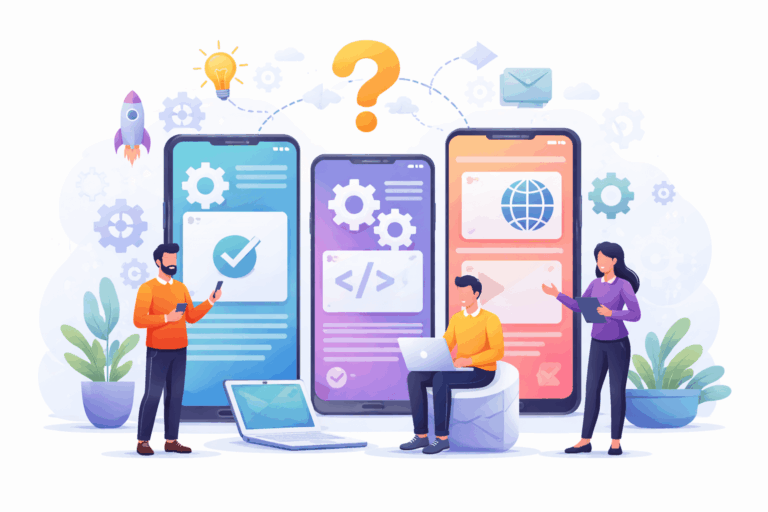
Choosing the Right App Development Approach
There is no “best” approach—only the right approach for your business model.
1. Native App Development
- Built separately for iOS and Android
- Best speed and hardware access
- Expensive to build and maintain
Best for:
Fintech, gaming, health apps, high-traffic consumer apps
2. Cross-Platform Apps
- Single codebase, multiple platforms
- Faster development
- Near-native performance
Popular tools:
Flutter, React Native
Best for:
Startups, local services, real estate platforms, MVPs
3. Hybrid Apps
- Web tech wrapped in a mobile shell
- Lower cost
- Performance trade-offs
Best for:
Internal tools, content apps, simple business apps
4. Progressive Web Apps
- No app store required
- Works via browser
- Instant updates, lower maintenance
Best for:
Lead generation, booking platforms, service businesses
My honest opinion:
If you don’t need push notifications or heavy hardware features, a PWA often beats a native app for ROI.
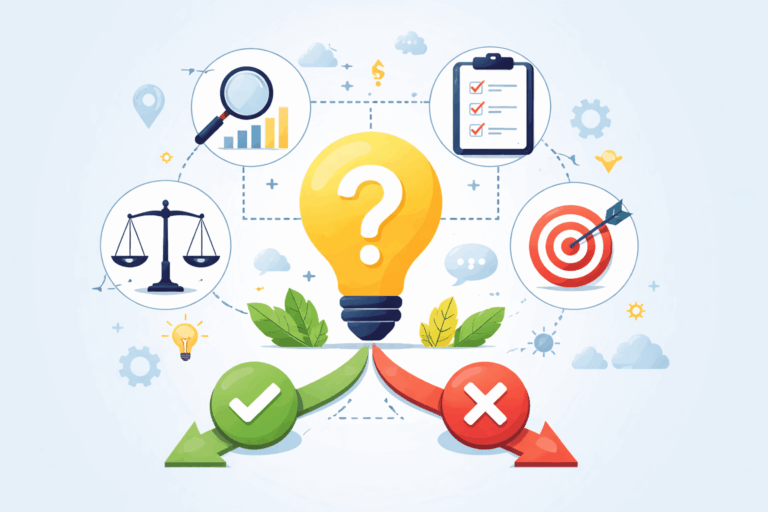
A Simple Decision Framework
Do users need the app daily or occasionally?
Users access the app occasionally, depending on their needs. It’s not required for daily use
Is offline access required?
Offline access is not mandatory, but it can enhance usability in low-connectivity areas.
Does the app rely on camera, GPS, or payments?
The app uses GPS for location-based features but doesn’t require camera or payments.
Is this a revenue-generating product or a support tool?
This is primarily a support tool designed to assist users, not to generate revenue
Read more: Grow Professionally With The Best
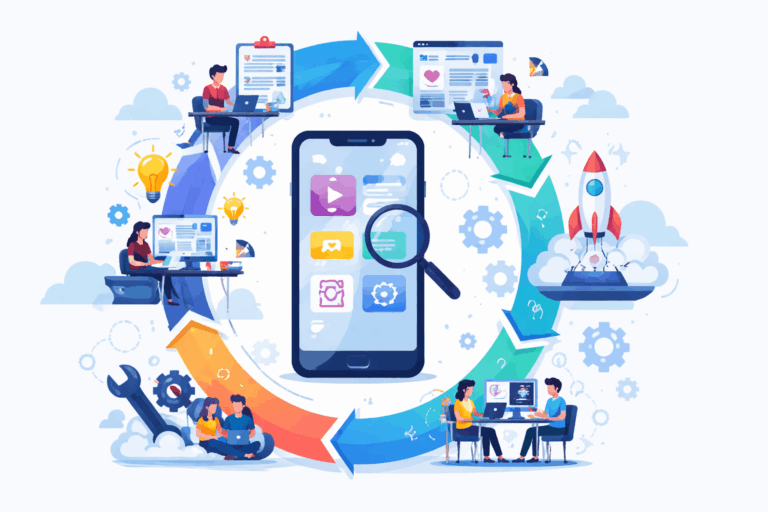
The Mobile App Development Lifecycle
Step 1: Problem Validation
Before development, validate:
Who the app is for:
Users who want fast, frequent access to a service on their phone without friction.
What problem it solves:
It removes delays, repetition, and complexity, making tasks quicker and more convenient.
Why an app is better than a website:
Apps are faster, more personalized, and always accessible—right where users already spend their time.
Step 2: UX & UI Design
Good design:
Reduces learning time:
Users understand how to use the product faster with guided, intuitive flows.
Improves retention:
A smoother experience keeps users engaged and coming back regularly.
Lowers support costs:
Fewer confused users means fewer tickets and less ongoing support effort.
Bad design:
- Kills downloads
- Creates negative reviews
- Increases churn
Step 3: Frontend Development
This is the mobile interface:
Screens:
Clear, organized screens present information logically, helping users find what they need quickly.
Navigation:
Intuitive navigation ensures users move through the app effortlessly without confusion.
Animations:
Smooth, purposeful animations enhance understanding and make interactions more engaging.
Forms:
Simple, well-designed forms reduce friction and make input fast and error-free.
Step 4: Backend Development
The backend handles:
User accounts:
Secure and personalized accounts keep users engaged and protected.
Data storage:
Reliable storage ensures fast access and safe management of all user information.
APIs:
Connect services smoothly, enabling seamless communication between systems.
Business logic:
Power the app’s core functions to deliver accurate, consistent results.
Integrations:
Link with other tools and platforms to enhance functionality and user value.
Step 5: Testing on Real Devices
Emulators lie. Real users don’t.
Test for:
Network issues:
Ensure the app works smoothly even with slow or unstable connections.
Different screen sizes:
Design adapts seamlessly across devices for a consistent user experience.
OS updates:
Keep the app compatible with the latest operating system changes.
Edge cases:
Handle rare or unexpected scenarios to prevent crashes and maintain trust.
Step 6: Launch, Monitor, Improve
An app is never “done.”
Track:
Drop-off points:
Identify where users leave to improve flow and reduce churn.
Feature usage:
Track which features users love to prioritize enhancements and updates.
Crash reports:'
Quickly detect and fix issues to maintain app reliability and trust.
Feedback loops:
Collect user input continuously to refine the experience and meet real needs.
Read More: Application Development

Why Most Businesses Should Use Cloud Backends
Managing servers yourself is expensive and risky.
Modern apps use cloud services for:
Authentication:
Secure and easy sign-in keeps user accounts safe and accessible.
Databases:
Efficiently store and manage data for fast, reliable app performance.
Storage:
Handle files, media, and documents seamlessly for a smooth user experience.
Push notifications:
Engage users with timely updates that drive action and retention.

Real Buyer Problems
Problem: Users download but don’t return
Solution: Onboarding flows + push notifications + value-driven reminders
Problem: Development cost is too high
Solution: MVP-first approach using cross-platform or PWA
Problem: App is slow
Solution: Optimize API calls, caching, and UI rendering—not just hardware
Features Every Serious Mobile App Needs Today
Secure login (email + social):
Easy, trusted access keeps user accounts safe while simplifying sign-in.
Analytics tracking:
Understand user behavior to make smarter, data-driven improvements.
Push notifications:
Engage users with timely updates that drive action and retention.
Cloud data sync:
Keep user data consistent across devices for a seamless experience.
Optional (but powerful):
- AI recommendations
- Chatbots
- Image recognition
- Voice search

Common Myths That Cost Businesses Money
- More features = better app
- Native is always best
- Launch means success
- Developers decide architecture
Mobile App Development - FAQs
Q1. How much does mobile app development cost?
Q2. How long does it take?
Q3. Should I build Android or iOS first?
Q4. Is maintenance required?
Q5. Can a website replace an app?
conclusion
If you treat mobile app development as a technical project, you’ll likely fail.
If you treat it as a business investment, guided by user behavior and ROI—you’ll win. Build less. Validate more. Optimize continuously.
References
About the Author

Rahul Mallah
Hello, my name is Rahul Mallah and I am an Application Development Specialist with over 4+ years of experience in designing and developing high-quality, user-friendly, and scalable applications. I create reliable applications for businesses, startups, and individuals.
I share practical insights on mobile app development, web application development, software architecture, performance optimization, and modern development practices.


