

Table of Contents
ToggleCore Web Vitals Optimization Master Guide 2026: Boost Page Speed, UX & Rankings
If you’ve ever invested in a beautiful website only to wonder why it doesn’t rank—or worse, why visitors leave without calling—you’re not alone.
I’ve worked with real estate agents, brokers, and local service businesses who had great content, strong backlinks, and solid brand trust… yet still struggled to rank or convert. The problem wasn’t SEO in the traditional sense. It was an experience.
That’s where Core Web Vitals quietly decide whether your site deserves visibility—or gets pushed aside.
This guide breaks down Core Web Vitals not as abstract metrics, but as business-impacting signals that directly influence rankings, lead quality, and conversions.
Why Core Web Vitals Matter More Than Ever in 2026
Today, Google’s mission is brutally simple:
Show users pages that feel fast, stable, and easy to use. Core Web Vitals exist to measure that experience at scale—using real user data, not lab guesses.
From what I’ve seen in competitive local markets:
- Fast, stable sites win impressions even with fewer backlinks
- Slow or jumpy sites bleed leads—even when they rank
- UX issues quietly destroy trust before a visitor ever reads your content
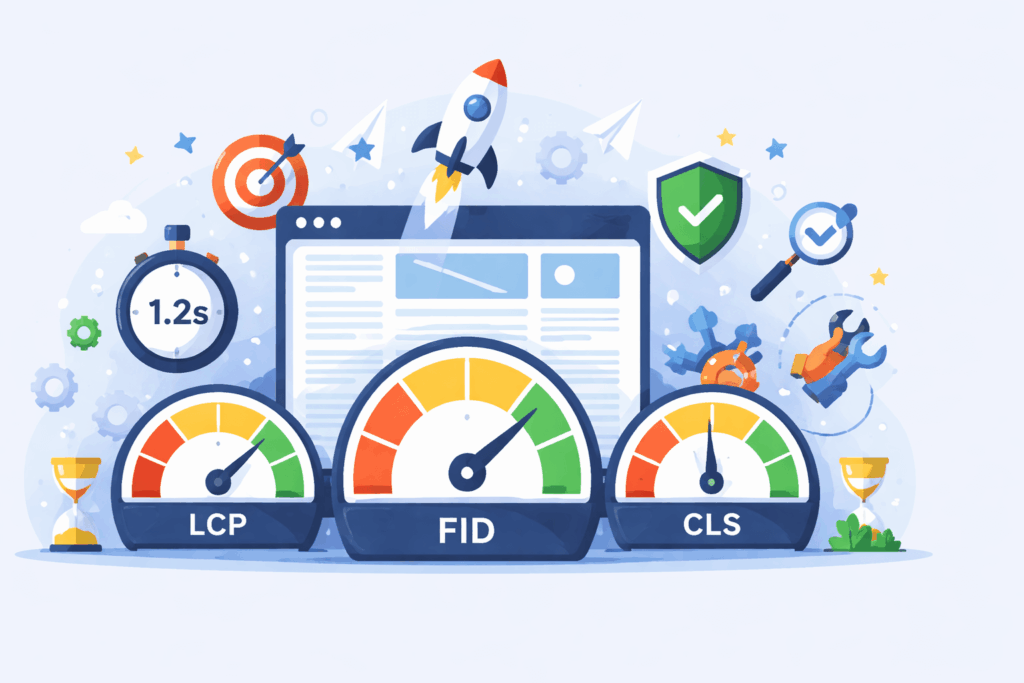
What Core Web Vitals Actually Measure
1. Largest Contentful Paint (LCP): “How fast does it feel?”
LCP measures how long it takes for the main content (hero image, headline, property image, etc.) to fully appear.
Target:
under 2.5 seconds
In real estate terms:
- If your listing photo or headline loads slowly, users bounce
- Google assumes your page creates friction
2. Interaction to Next Paint (INP): “Does the site respond when I touch it?”
Target:
under 200 ms
I’ve seen sites lose conversions simply because:
- Buttons lag
- Filters freeze
- Forms feel unresponsive
3. Cumulative Layout Shift (CLS): “Does the page jump around?”
CLS tracks unexpected movement—buttons shifting, text jumping, images loading late.
Target:
under 0.1
This matters more than people realize:
- A shifting “Call Now” button kills trust
- Moving content causes accidental clicks
- Google treats instability as poor UX
Read More: Best Tools For Web Developers In 2026
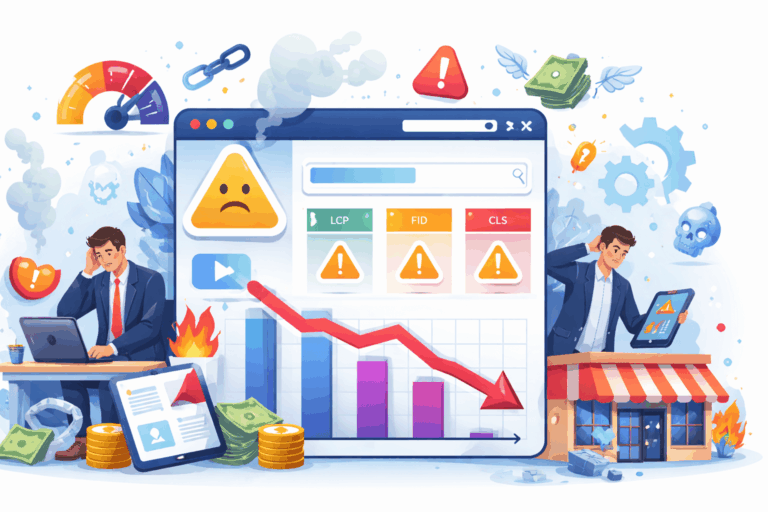
Real Business Impact: What Happens When Core Web Vitals Are Ignored
Case Example:
Before optimization:
- Good content
- Strong local backlinks
- LCP: 4.1s
- CLS: 0.29
Symptoms:
- Rankings stuck on page 2
- High bounce rate
- Mobile leads declining
After focused CWV fixes:
- LCP reduced to 2.2s
- CLS fixed to 0.04
- INP improved via script cleanup
Result:
- +27% organic traffic in 60 days
- Higher engagement time
- More inbound calls from mobile users
Tools I Actually Trust for Measuring Core Web Vitals
Google PageSpeed Insights
Best for:
- Seeing CWV scores
- Identifying high-impact issues
- Understanding mobile vs desktop gaps
Google Search Console
Best for:
- Real-world user data (CrUX)
- Finding problem URLs at scale
- Tracking improvements over time
Chrome DevTools
Best for:
- Diagnosing JavaScript blocking
- Finding interaction delays
- Debugging CLS causes
Important:
Passing a tool score means nothing if real users still struggle. Always prioritize field data over lab scores.

Step-by-Step: How to Improve Core Web Vitals
Step 1: Fix What Loads First (LCP)
Most LCP issues come from:
- Heavy hero images
- Slow servers
- Render-blocking CSS
Actions that work:
Compress and Resize Hero Images Properly
Large hero images often cause slow initial loads. Proper compression and responsive sizing reduce load time while maintaining visual quality, improving LCP and user engagement.
Use Modern Formats (WebP / AVIF)
Modern image formats deliver high quality at smaller file sizes. Using WebP or AVIF significantly improves page speed without sacrificing visual appeal.
Load Critical CSS First
Loading critical CSS early ensures above-the-fold content renders quickly. This improves perceived speed, prevents layout shifts, and enhances the first user impression.
Upgrade Hosting if TTFB Is High
A high Time to First Byte usually indicates server limitations. Upgrading hosting or server configuration reduces response time and improves overall site performance.
Opinion:
Cheap hosting costs more in lost leads than premium hosting ever will.
Step 2: Make the Site Feel Instant (INP)
INP issues are usually caused by:
- Too much JavaScript
- Third-party scripts (chat, tracking, ads)
- Bloated themes
Fixes I apply regularly:
Delay Non-Critical JavaScript
Loading non-essential JavaScript later allows the main content to appear faster. This improves page speed, Core Web Vitals, and the user’s first impression.
Remove Unused Plugins
Unused plugins add unnecessary code, slow down performance, and increase security risks. Removing them keeps the site lightweight, stable, and easier to maintain.
Split Long Tasks
Breaking long JavaScript tasks into smaller chunks prevents browser blocking. This ensures smoother interactions and better responsiveness, especially on mobile devices.
Use Async and Defer Properly
Applying async and defer correctly prevents render-blocking scripts. This allows faster page rendering without breaking functionality or tracking accuracy.
Step 3: Lock the Layout (CLS)
Common causes:
- Images without size attributes
- Ads loading late
- Popups shifting content
- Fonts swapping after load
Fixes:
- Always define image dimensions
- Reserve space for dynamic elements
- Preload fonts
- Avoid intrusive popups

What Competitors Rarely Talk About
Mobile Experience Is the Real Ranking Battlefield
Google evaluates:
Thumb-Friendly Navigation
Navigation designed for easy thumb reach improves usability on mobile devices. It reduces friction, helps users find information faster, and encourages longer on-site engagement.
Tap Responsiveness
Quick and accurate tap responses prevent frustration and accidental clicks. Responsive touch interactions signal quality and reliability, improving both user satisfaction and conversions.
Visual Stability on Small Screens
Stable layouts on small screens prevent content shifts during loading or interaction. This enhances readability, builds trust, and supports higher form completion rates.
While the content is optimized for SEO, it also prioritizes user experience and practical advice, which is a positive aspect.
Core Web Vitals Affect Conversions, Not Just Rankings
From my experience:
Faster Sites Close Faster
Fast-loading websites reduce friction and keep users engaged. When pages load quickly, visitors are more likely to stay, trust the brand, and complete enquiries or purchases.
Stable Pages Increase Form Completion
Pages that don’t shift, break, or reload unexpectedly create a smooth user experience. Visual stability builds confidence, making users more comfortable completing forms and taking action.
Responsive UX Builds Subconscious Trust
A responsive, well-structured user experience signals professionalism and reliability. When a site works seamlessly across devices, users subconsciously trust the brand more.
SEO brings traffic.
UX turns traffic into money.

How Often Should You Revisit Core Web Vitals?
I recommend:
Monthly Monitoring in Search Console
Regular monthly checks in Google Search Console help identify indexing issues, traffic drops, keyword performance changes, and Core Web Vitals alerts early. This ensures your site stays technically healthy and aligned with Google’s evolving search guidelines. Consistent monitoring supports long-term SEO stability and user trust.
After Any Theme, Plugin, or Script Change
Any change in themes, plugins, or scripts can impact site speed, indexing, and user experience. Post-change monitoring helps catch broken pages, layout shifts, or JavaScript issues before they affect rankings. This proactive approach reflects technical expertise and protects SEO performance.
After Adding New Tracking or Marketing Tools
New analytics, pixels, or marketing scripts can affect page load time and data accuracy. Reviewing performance after implementation ensures tracking works correctly without harming user experience. This balances marketing goals with SEO best practices and Google’s people-first standards.
conclusion:
Core Web Vitals aren’t about pleasing Google. They’re about respecting your users’ time, attention, and intent.
In 2026, the websites that win are not just optimized—they’re effortless to use.
If your site feels fast, stable, and responsive, rankings follow. If it doesn’t, no amount of content or links will save it.
If you want next, I can:
- Turn this into a pillar SEO page
- Create a CWV audit checklist
- Write a service page for Core Web Vitals optimization
- Adapt this for local service businesses or agencies
Core Web Vitals Optimization Master Guide 2026 - FAQs
Yes. They are part of Google’s Page Experience signals and influence rankings, especially in competitive niches.
LCP usually delivers the biggest wins fastest, especially on mobile.
Absolutely. Google replaced FID because overall interaction quality matters more than first impressions alone.
Yes. Poor UX can suppress rankings even if your Google Business Profile is strong.
Indirectly. Landing page experience impacts Quality Score and conversion rate.


